![logo-1.png]](https://support.cashierlive.com/hs-fs/hubfs/logo-1.png?height=40&name=logo-1.png)
- Type in the prescription.
- Select CASHIERLIVERX as “payment”
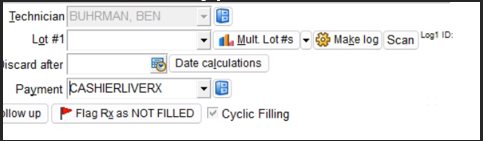
- Put the RX on “Not Filled” status.
- RX must be placed on not filled status. Not doing so will result in 1 less fill in CashierLiveRx dashboard. If the order does not have any additional refills, the system will view as not refillable.
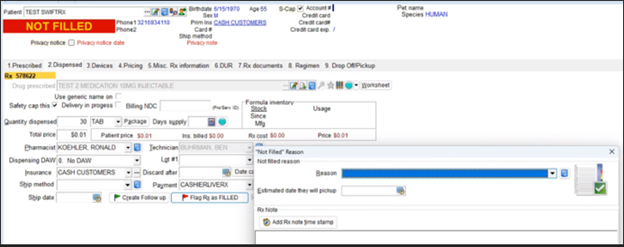
- CashierLiveRx will process the prescription and send a text to the patient within the next 5 minutes. The order will also show in the CashierLiveRx pharmacy dashboard.